Paper Medical Records: How to Build an Emergency Health File Before the Hospital's Computers Fail
When ransomware knocks a hospital back to pen and paper, your treatment depends on what you can hand the nurse. Here's how to build a paper medical record for every family member.
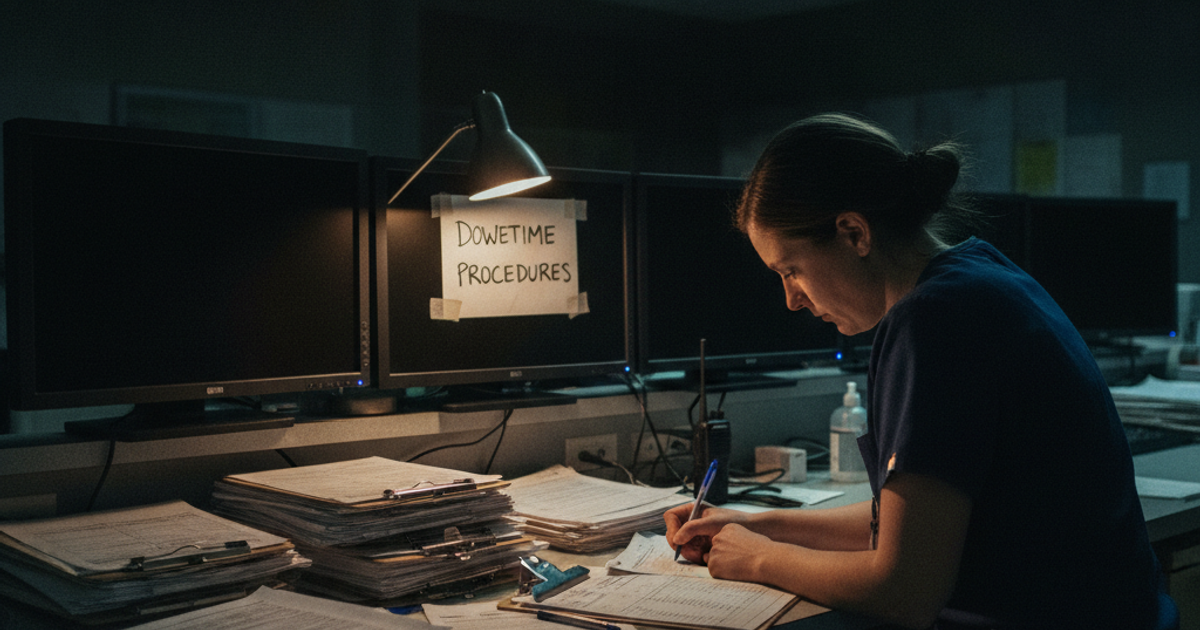
On November 20, the Monadnock Ledger-Transcript reported that Monadnock Community Hospital in Peterborough, New Hampshire was still working through an ongoing cyber incident that began on November 8, with prolonged network and telephone outages that disrupted patient appointments, according to the Monadnock Ledger-Transcript. Cyberattack trackers also logged a November 2026 incident at Ridgecrest Regional Hospital in Ridgecrest, California, where phone and computer systems were disrupted.
The same week, France's national cybersecurity agency ANSSI said a suspected ransomware attack that began the evening of Saturday, November 21 encrypted databases at the University Hospital of Guadeloupe — the island's largest hospital — forcing staff onto paper records and postponing surgeries and some cancer treatments, according to The Record. Hospital management said it received no ransom demand and ruled out paying. The pattern is the same whether the hospital is in rural New Hampshire or the Caribbean: when the servers go dark, clinicians fall back on pen and paper — and they only know what you can tell them.
Why a Paper Personal Health Record Belongs in Every Emergency Preparedness Plan
Modern emergency medicine runs on data. Your allergy list, your med list, your last EKG, your implant model numbers — all of it normally lives in an electronic health record that a triage nurse can pull up in seconds. Strip that away and the clinician is working blind, relying on whatever a frightened patient or a family member can recall under stress.
This isn't a fringe scenario. The U.S. Department of Health and Human Services' breach portal logs hundreds of healthcare hacking incidents affecting 500 or more individuals every year, and studies published in peer-reviewed journals have found that ransomware attacks on hospitals lengthen wait times and strain neighboring emergency departments that absorb diverted patients. Add hurricanes, wildfires, ice storms, and grid failures — all of which take clinics offline without a hacker involved — and a paper health file stops looking like paranoia and starts looking like basic emergency preparedness.
It also travels. Apartment dwellers who evacuate with a bug out bag, suburban families heading to a relative's house, and rural households 45 minutes from the nearest critical access hospital all benefit from the same thing: a one-inch binder and a waterproof pouch that answer a doctor's questions in thirty seconds.
What You'll Need
Tools
- Compact monochrome laser printer
- Three-hole punch
- Permanent marker and pen (ballpoint, not gel — it survives moisture better)
Supplies
- Heavy-duty 3-ring binder with pockets
- Insertable tab dividers
- Heavyweight clear sheet protectors
- Multipurpose printer paper
- Fireproof, waterproof document bag
- 64GB USB flash drive
What Goes in an Emergency Medical Document Kit
Build one section per family member. Each person's section should include:
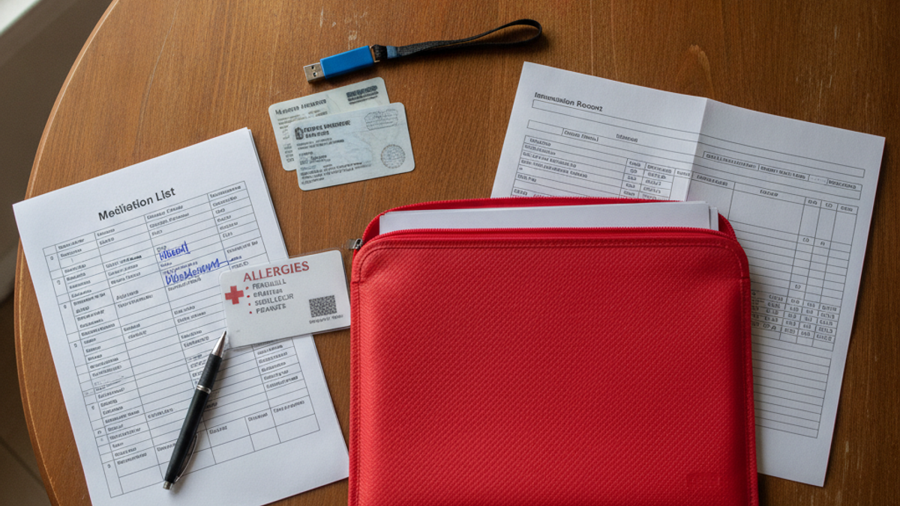
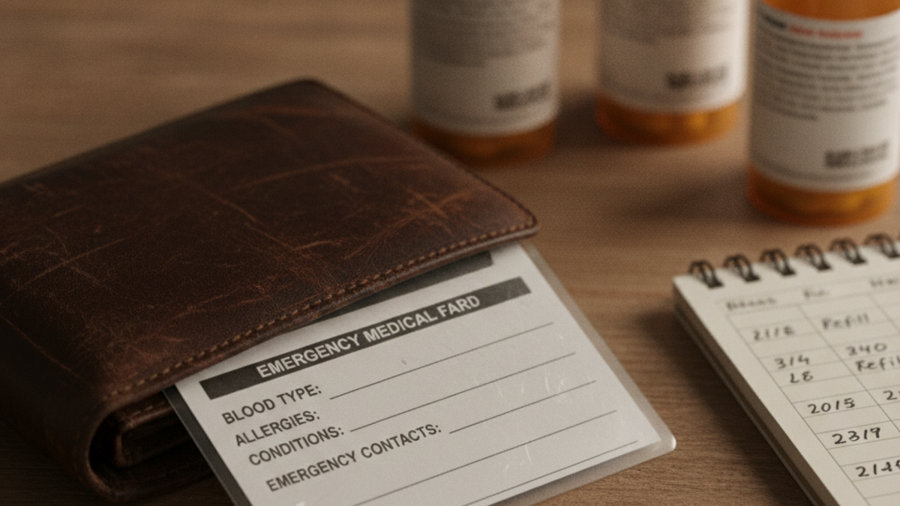
- A one-page summary sheet. Name, date of birth, blood type if known, primary care physician and phone, emergency contacts, and a plain-language list of diagnoses. This is the page a paramedic reads first.
- Current medication list. Drug name, dose, frequency, prescribing doctor, and pharmacy. Include over-the-counter drugs and supplements — interactions matter.
- Allergies and adverse reactions. Specify the reaction, not just the drug. "Penicillin — hives" is different from "penicillin — anaphylaxis."
- Immunization records, especially tetanus dates and childhood vaccine records for school-age kids.
- Implant and device cards. Pacemakers, defibrillators, stents, joint replacements, insulin pumps, and CPAP settings. Manufacturer, model, and serial number.
- Recent labs, imaging reports, and a baseline EKG if you have cardiac history. A printed baseline tracing is enormously useful when nobody can pull your chart.
- Insurance cards, photo ID copies, and Medicare/Medicaid numbers — front and back photocopies.
- Advance directives: healthcare power of attorney, living will, POLST/MOLST form, and organ donation preferences. Keep originals accessible; these are legally meaningful documents.
- Pediatric and caregiver authorizations so a grandparent or neighbor can consent to treatment for your child.
Rural readers should add directions to their property, a note about nearest cross-roads, and the name of the regional trauma center they'd be flown to. Urban readers should list the two closest emergency departments in case one is diverting patients.
Step-by-Step Instructions
Step 1: Request your records from every provider
Under HIPAA you have a right to copies of your medical records, and most systems let you download a "visit summary" or "continuity of care document" from the patient portal. Do this now, while the portal works. Request the last two years of office notes, labs, and imaging reports from each specialist, plus any operative reports.
Step 2: Print everything on durable paper
Inkjet ink smears when wet; laser toner does not. A small monochrome laser printer pays for itself for preppers who print maps, checklists, and medical files, and a single ream of 20 lb multipurpose paper will cover a family's entire health file with plenty left over.
Step 3: Organize the binder with tabs and sheet protectors
Use a heavy-duty binder with insertable tab dividers labeled by person, then by category. Slide the summary sheet, insurance cards, and advance directives into heavyweight clear sheet protectors so they survive handling in a wet ambulance bay.
Step 4: Create a wallet card and a fridge sheet
Condense the essentials — conditions, meds, allergies, emergency contact — onto a business-card-sized card for every wallet, and a single sheet taped inside a kitchen cabinet door or on the refrigerator. EMS crews are trained to look in both places.
Step 5: Make an encrypted digital backup
Copy PDFs and photos of every document onto a 64GB USB flash drive using password-protected files or built-in encryption. Paper is the primary; the drive is the fast-transfer backup if a receiving hospital's systems are working.
Step 6: Secure the kit against fire, flood, and prying eyes
Store the binder and drive in a fireproof, waterproof document bag. If children, roommates, or caregivers come and go, step up to a lockable fireproof document bag — health records are identity-theft gold, and OPSEC applies to paperwork too.
Step 7: Distribute copies and brief your family
Keep one set at home, a condensed copy in each vehicle, and a full copy with an out-of-area relative or your healthcare proxy. Walk every adult in the household through where the kit lives and what's in it.
Step 8: Update on a fixed schedule
Review every six months — tie it to daylight saving time changes — and immediately after any hospitalization, surgery, or medication change. An outdated med list can be more dangerous than no list.
How to Keep Your Medical File Current Without Drowning in Paper
Don't archive everything. Keep the last two years of routine records, plus permanent items: surgical reports, pathology results, implant cards, and baseline imaging. Shred the rest. Pair this project with your broader grab-and-go vital documents kit and your home inventory documentation so one bag covers identity, property, and health. Households managing chronic illness should also review guidance on storing insulin, EpiPens, and critical medications off-grid, since a records outage often coincides with a pharmacy outage.
Recommended Gear
You don't need much. A sturdy binder, sheet protectors, a locking fireproof bag, and a flash drive will outfit most families for the price of a single urgent-care copay. For more preparedness essentials, see our recommended survival gear page.
Frequently Asked Questions
What should be in a personal health record for emergencies?
At minimum: a one-page summary with diagnoses, a current medication list with doses, allergies and the specific reactions, immunization dates, implant and device information, insurance and ID copies, emergency contacts, and advance directives. Everything else — labs, imaging reports, operative notes — is useful supporting material.
Is it safe to keep paper copies of medical records at home?
Yes, provided you control access. Medical records contain the data identity thieves want most. Store them in a locking fireproof bag or safe, limit copies to people who genuinely need them, and shred outdated pages rather than tossing them in the trash.
How often should I update my emergency medical file?
Twice a year as a baseline, and immediately after any new diagnosis, surgery, hospitalization, or medication change. Write the revision date in marker on the cover page so a clinician can see at a glance how current the information is.
Affiliate Disclosure: SHTFPlan.net participates in the Amazon Services LLC Associates Program. Some links are affiliate links — we may earn a small commission at no extra cost to you.